01
Log in or join
Open WEVZ and sign in. New here? Create your account in the app.
Checking whether WEVZ was opened inside Pi Browser…
Create a channel, run your show from your phone, build channel artwork in Canvas Studio, and bring listeners together. WEVZ gives you a live deck, microphone, sound pads, audience chat, and creative tools in one app. WEVZ now works in Pi Browser with secure Pi Network sign-in.
Your channel and Studio are connected. Set up once, then return to the same controls whenever you want to broadcast.
Open WEVZ and sign in. New here? Create your account in the app.
Go to My Channel, choose a name, and create your space for updates and live radio.
Open Studio from My Channel. Tap Go Live, then hold Talk to speak. Add music whenever your show needs it.
You can start with just your microphone. Playlists, pads and mixer controls are there when you need them.
See how live channels, Studio, and listener chat come together on your phone.
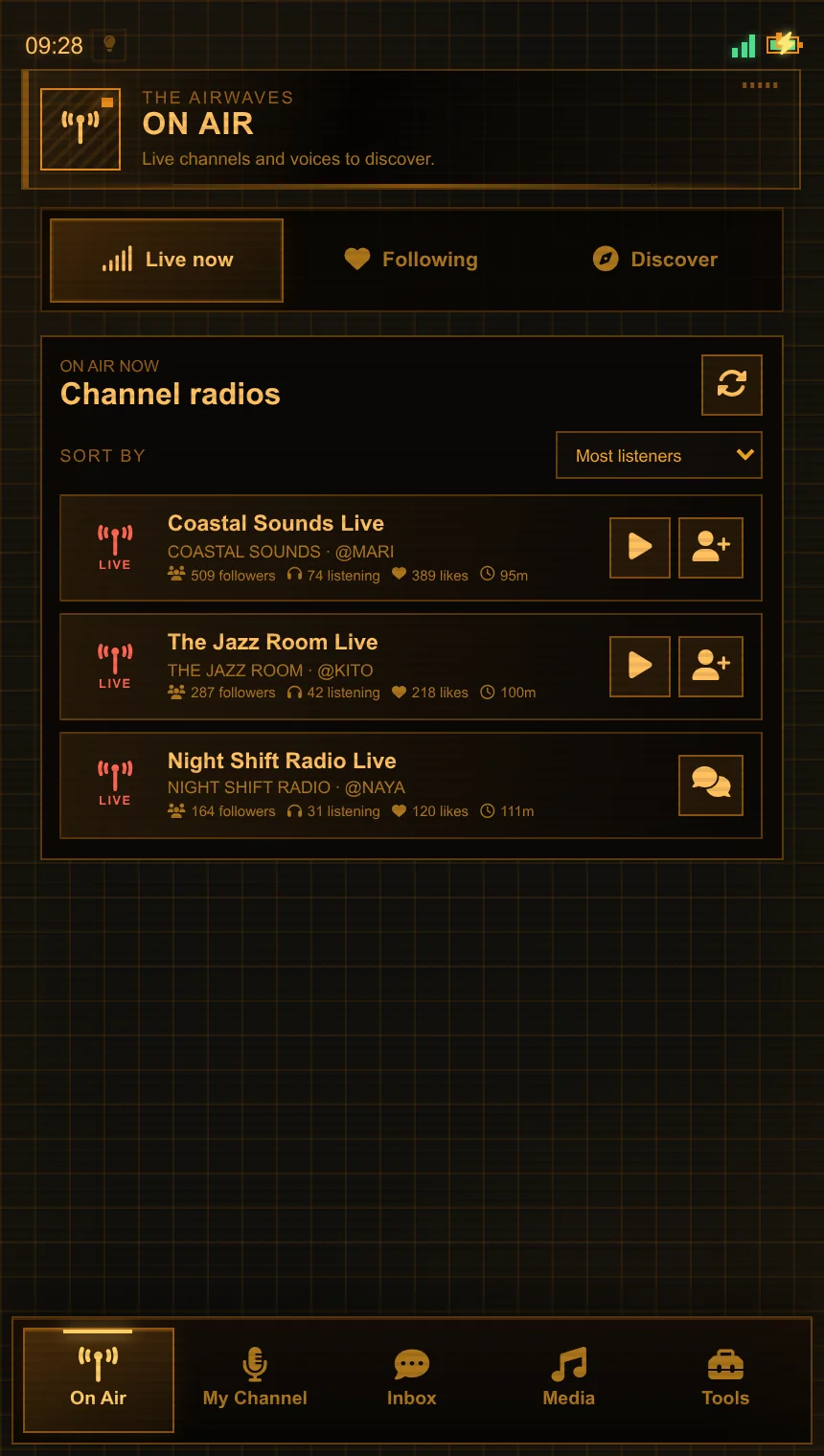
Discover live channels, follow the ones you like, and open their streams.
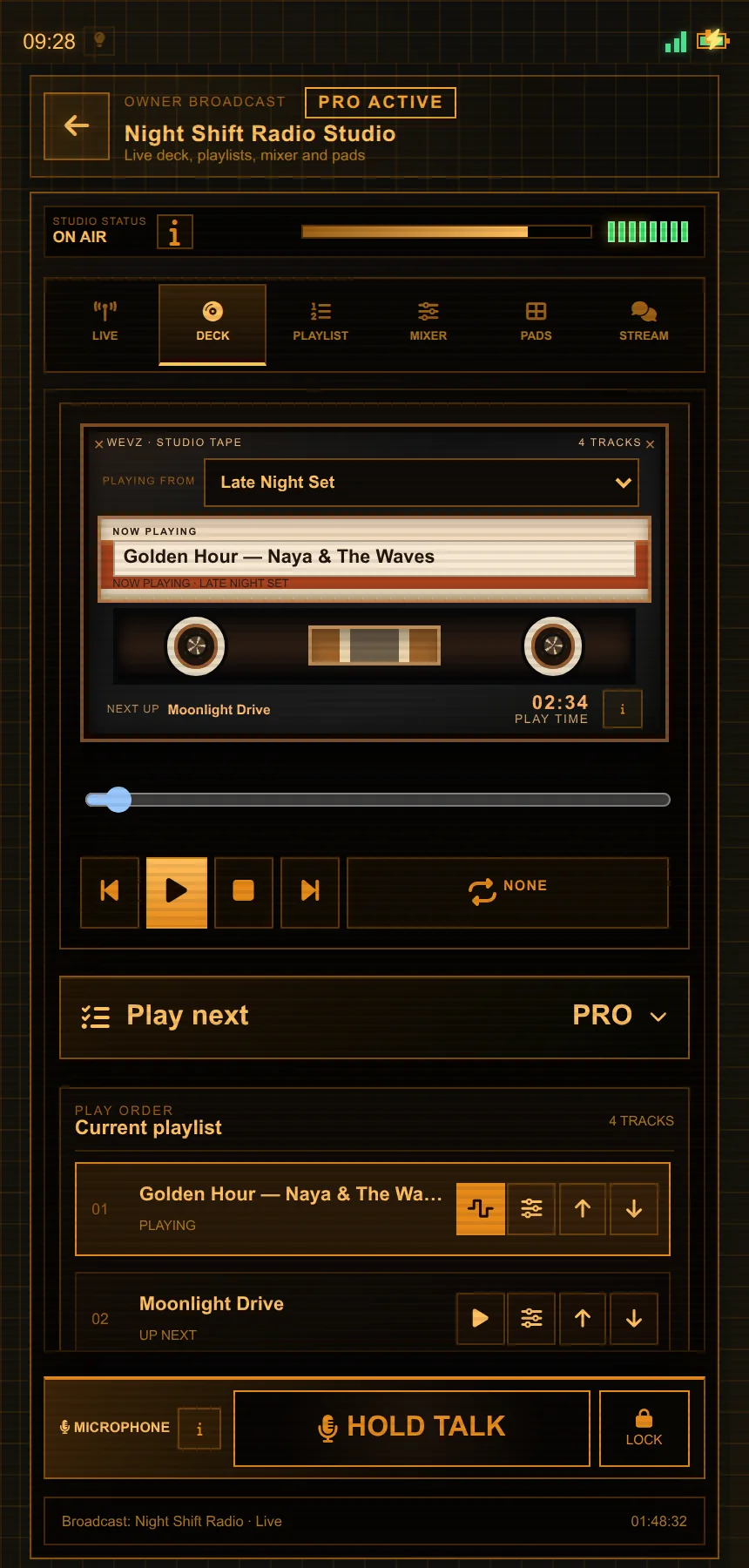
View On Air screenSelect a playlist, cue the next song, and speak over your broadcast.
View Studio Deck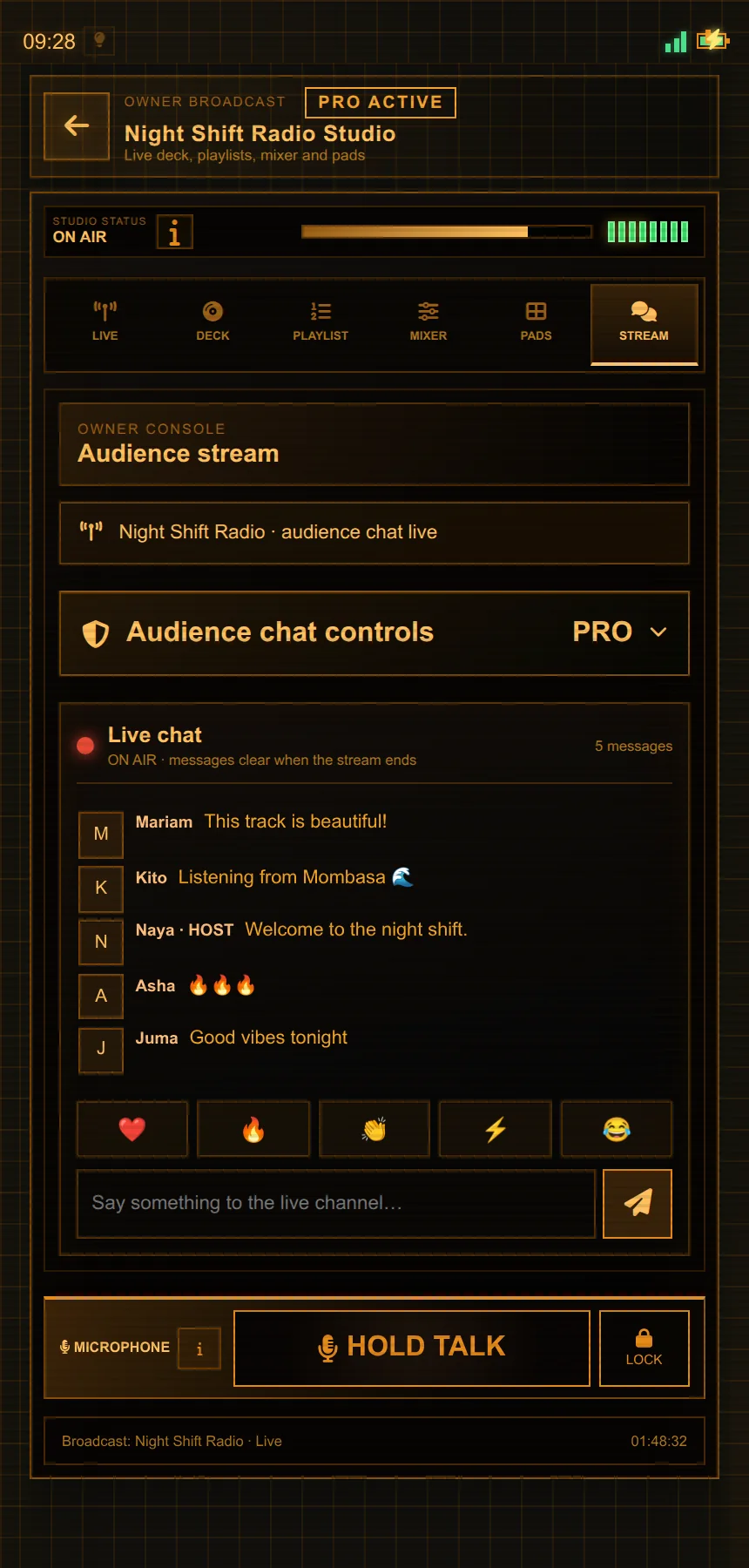
Receive messages and reactions while your channel is on air.
View live chatScreens show the current app interface with illustrative channel names, tracks, messages and listener counts.
Start simple with your voice, then shape the broadcast with the controls you need.
See what is playing, what is next, and control the current track from one place.
Make separate playlists, arrange tracks, and switch between sets for different shows.
Adjust music, mic and pad levels. Set fades, crossfades, EQ and ducking.
Fire sound effects and jingles instantly with built-in or custom samples.
Read live chat and reactions beside your broadcast controls.
Save show setups, manage chat, style your channel, and review show history.
PRO OPTIONSDraw channel artwork, add text and shapes, animate your design, erase objects, and publish the result as your channel picture.
Browse On Air, tune in to a channel, and join its live conversation. Followed channels stay close when you return.
WEVZ has room for the conversations and tools around your channel too.
Keep in touch with people through messages and voice calls.
Explore device connections and nearby features from Tools.
Build playlists for your own listening as well as your shows.
Choose your theme and notification preferences in Settings.
Private message fallback uses encrypted envelopes while a recipient is offline. They are removed after delivery or expiry. Live audience chat is cleared from the server when a stream ends. WEVZ still stores account, channel and operational data needed to run the service.
Download the Android app, install WEVZ as a web app on iOS, Linux or Windows, or open WEVZ in Pi Browser for Pi Network sign-in. The latest build is 1.7.22.